Home / Solutions / Retail Brands
For brands & tenants
For retail brands and tenants, VRDnet turns multiple submissions, comments and landlord requirements into one clear path from design to opening.
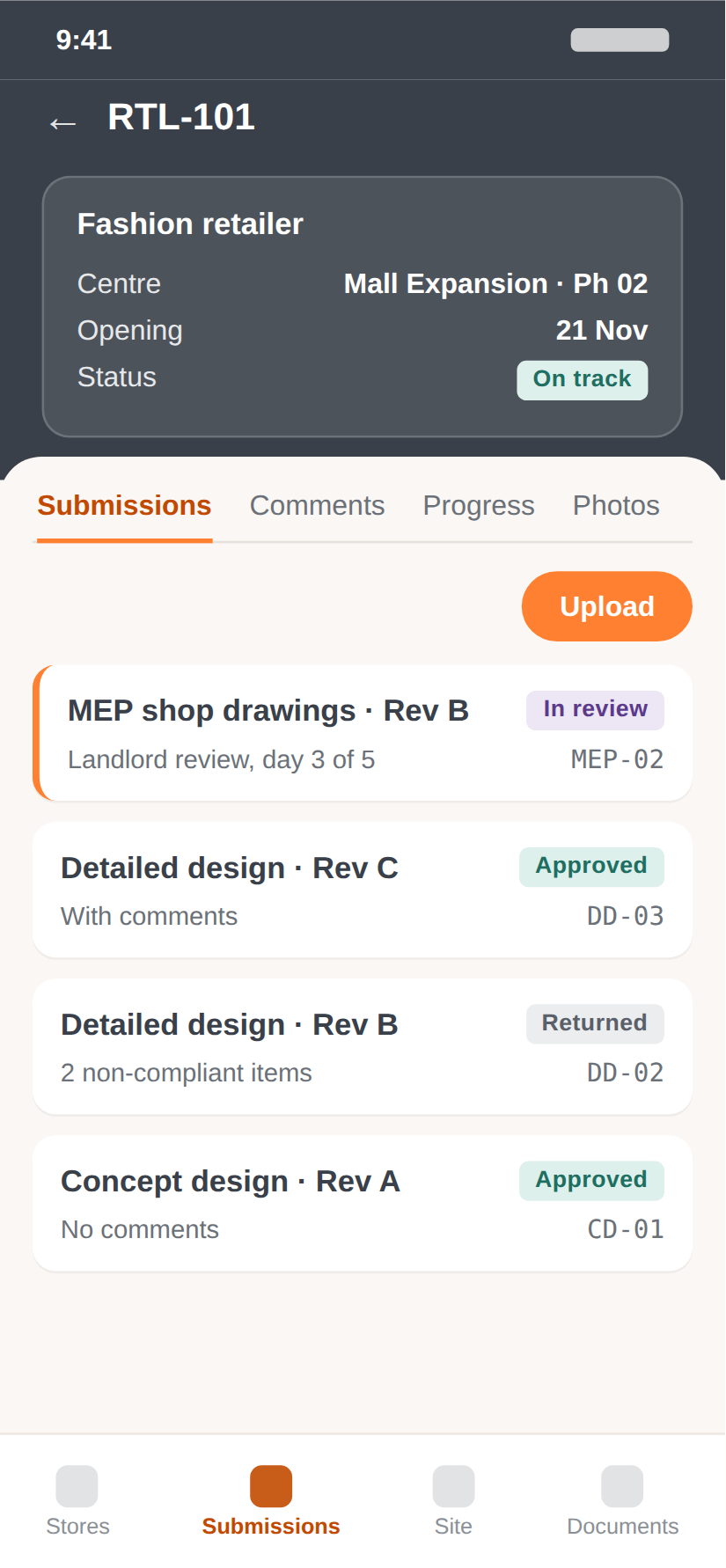
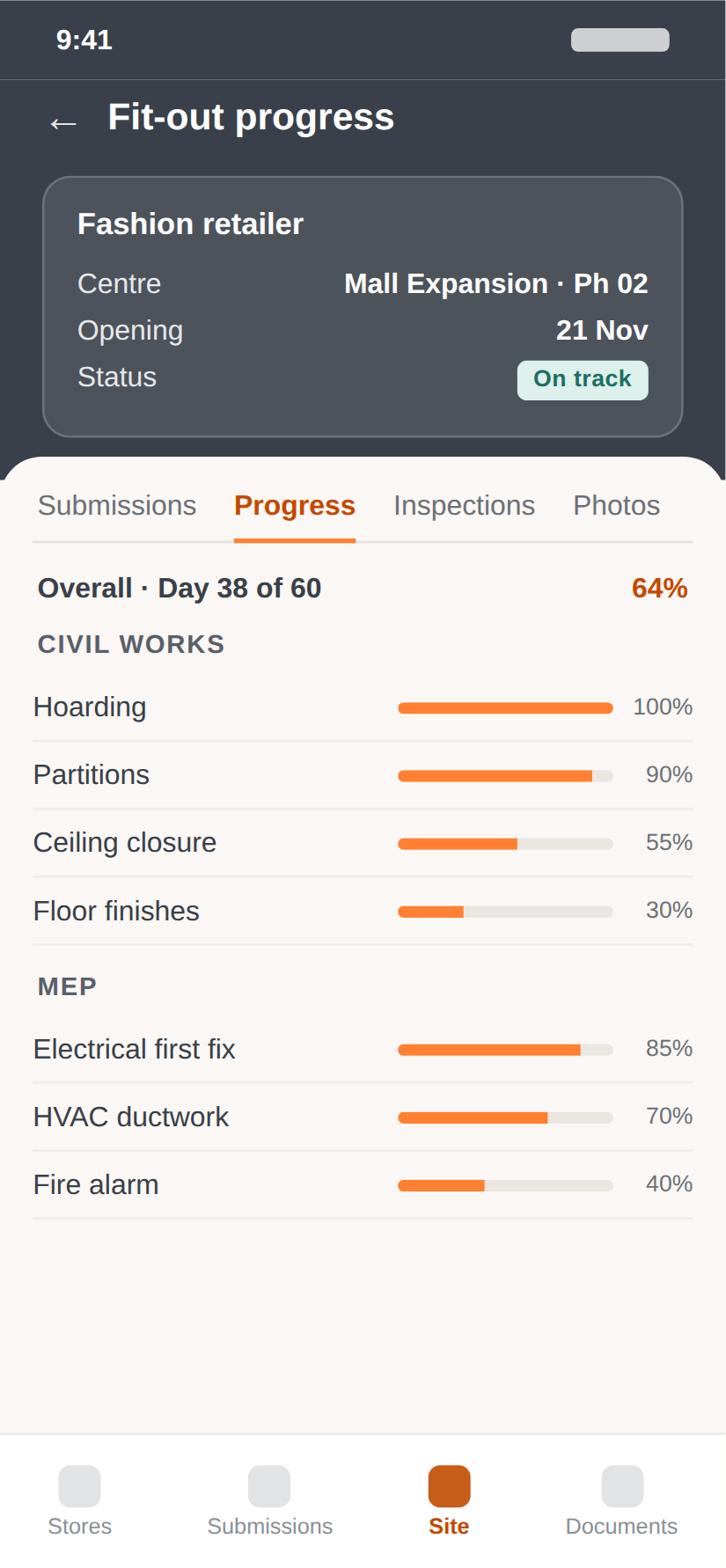
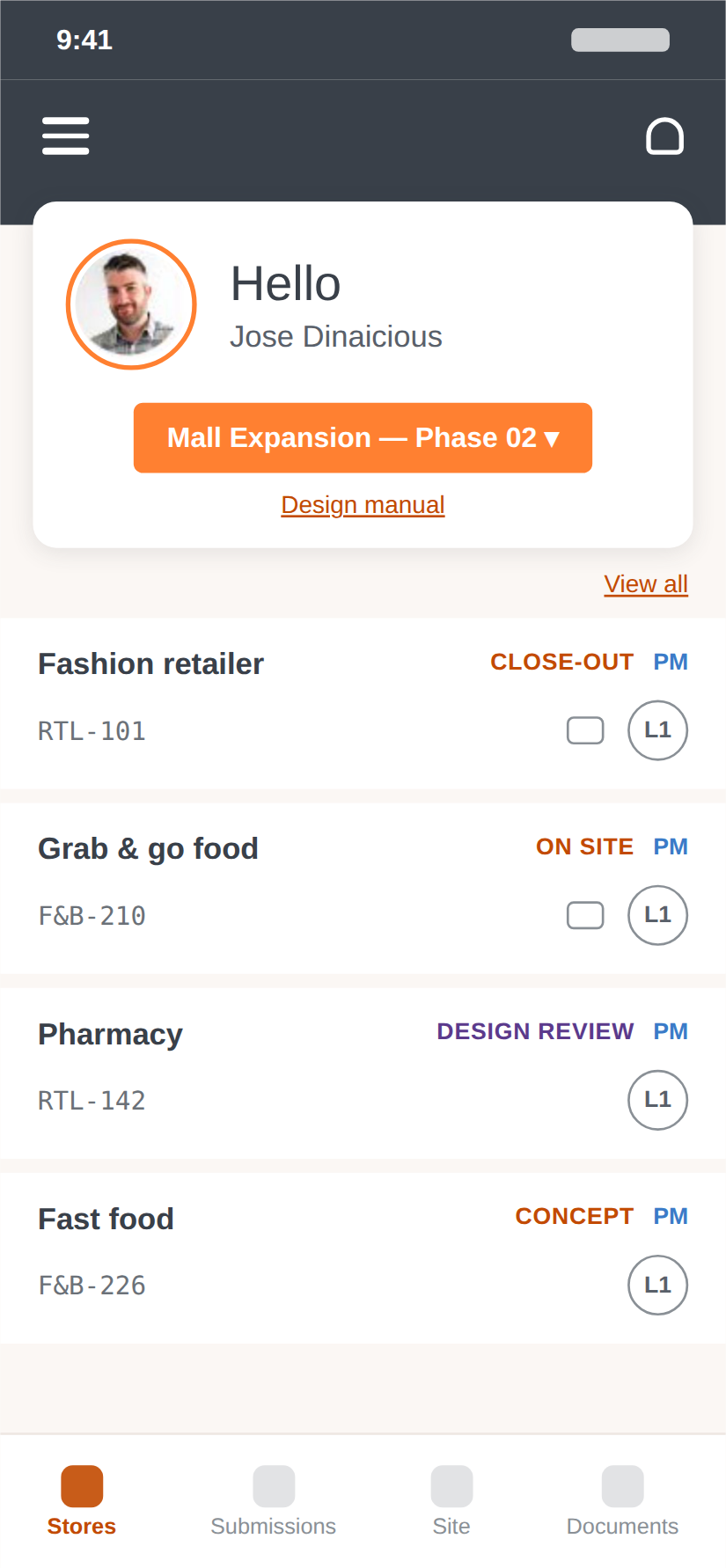
Illustrative data
What gets in the way
01
Multiple submissions
Concept, detailed design, MEP and signage all run on separate tracks.
02
Comments without context
Landlord comments arrive by email, detached from the drawings they refer to.
03
Consultant coordination
Designers, engineers and contractors all need the latest information.
04
Moving deadlines
Key dates shift and it is hard to know what is pending, and with whom.
VRDnet mobile app
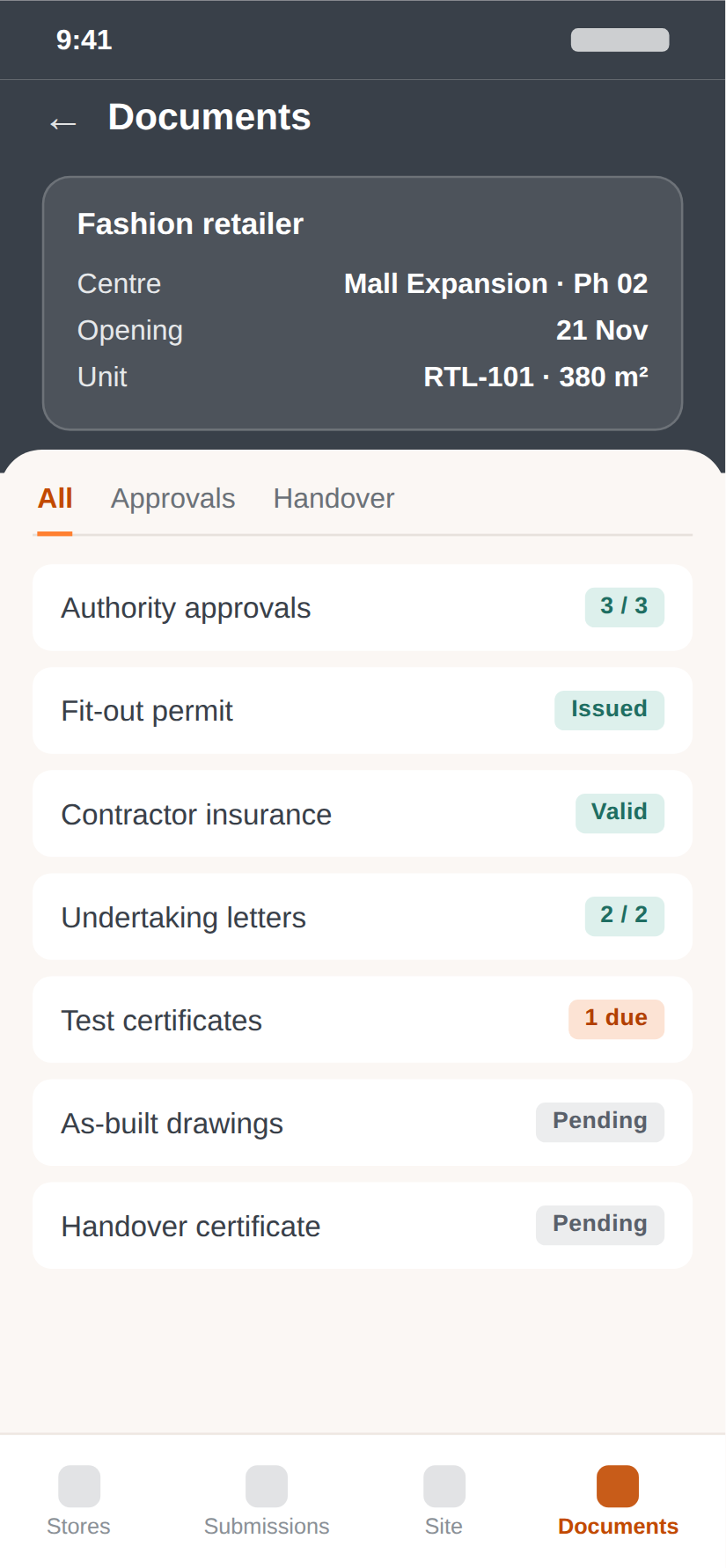
The VRDnet app for tenant teams, on iOS and Android. Check every store, submit drawings and follow fit-out from site — on the same record your landlord and consultants see.
01
The unit record
Opening date, unit type, in-charge and every design stage — per store.
02
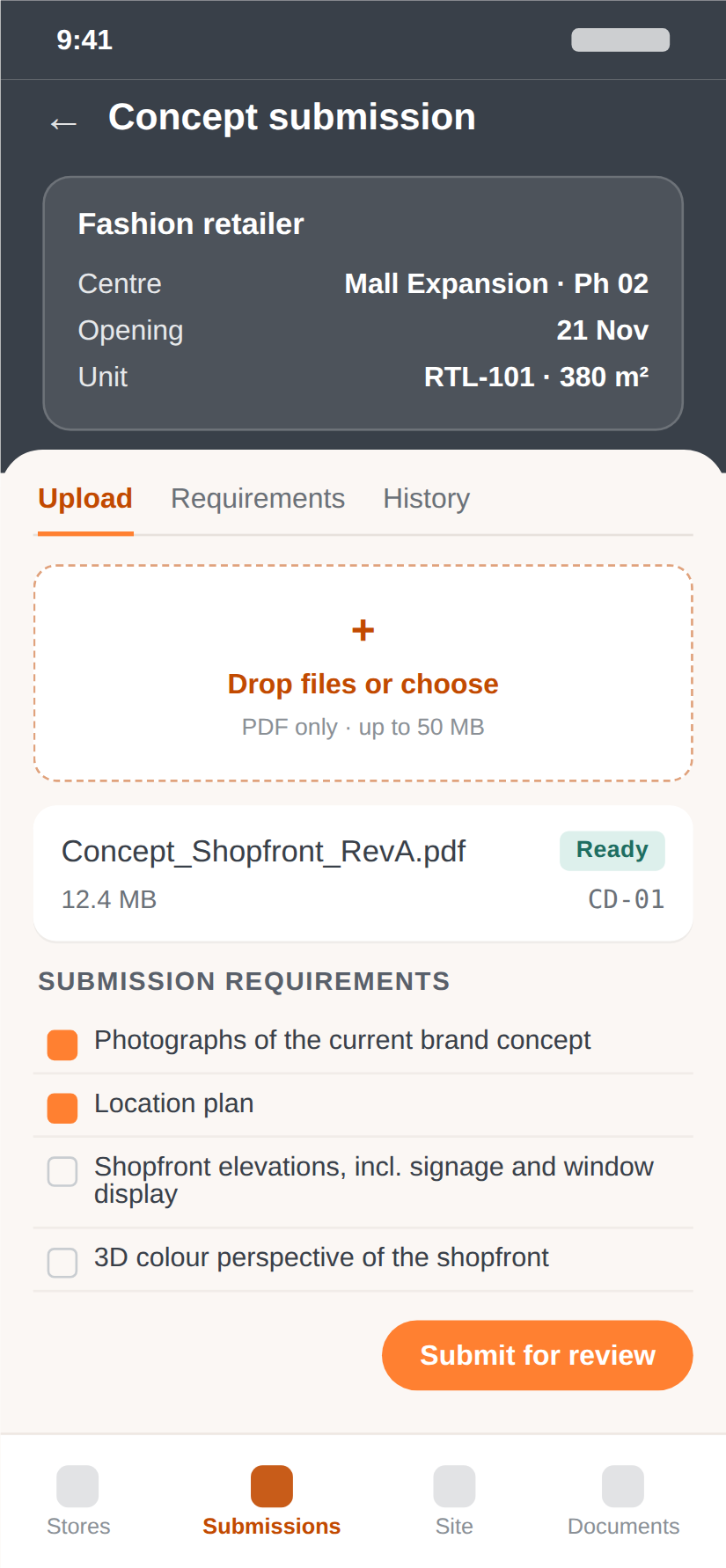
Submit from anywhere
Upload drawings against the landlord’s submission requirements.
03
Documents in one place
As-builts, permits, certificates and handover — filed to the unit.
04
Follow fit-out progress
Works packages tracked item by item, through to opening.
How VRDnet helps
One journey per store
See every stage from submission to opening, with what is next.
Comments in context
Review comments stay attached to drawings, revisions and owners.
Shared actions
Consultants and contractors see the actions assigned to them.
Clear key dates
Handover, fit-out and opening dates in one place.
Where you work in the journey
01 Leasing
02 NTC
03 Design
04 Review
05 Approval
06 Delivery
07 Handover
08 Opening
01
Fewer status requests
02
Faster resubmissions
03
More confident opening forecasts
Case study 03 · Retail brand rollout
How a multi-store retail brand gained a clear view of every store in the approval and delivery journey.
Read Case Study →Retail brands
Book a walkthrough built around your projects, your stages and your team.
